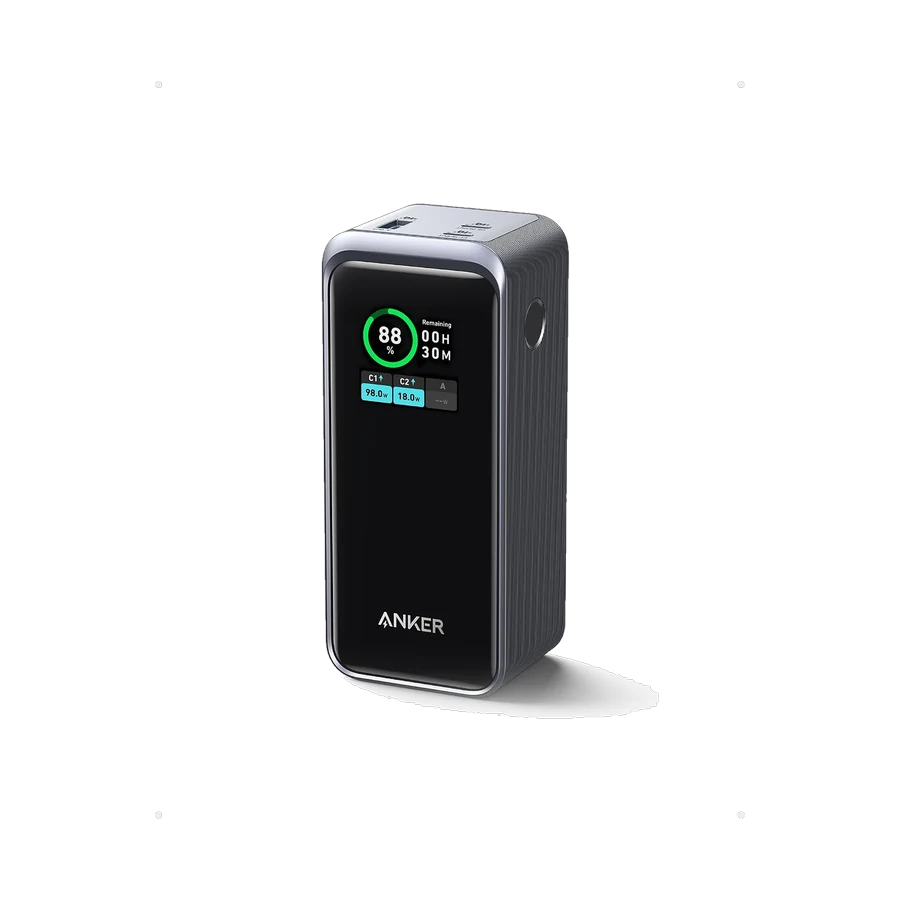
USB-C charging, without the confusion.
Watts, cables, and charging protocols explained simply, so you can choose a charger that suits your devices.
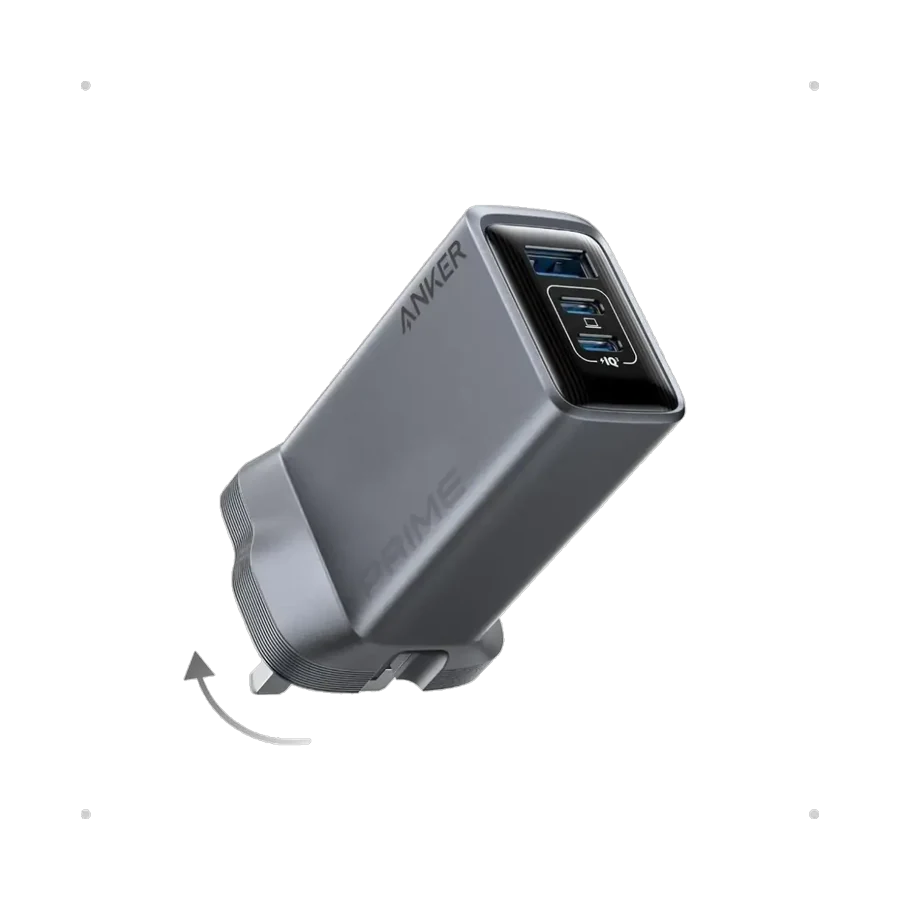
USB-C describes a connector, but the connector does not tell you everything about charging. Your device, charger, and cable work together to determine the power available. Checking all three is the simplest way to avoid a disappointing purchase.
Start with your device’s requirements
Look up the charging requirements for your exact phone, tablet, or laptop in its manufacturer documentation. Note the recommended power and supported charging protocol. A charger with a high wattage rating does not mean every connected device will charge at that rate.
A device draws power through a compatible charging arrangement. Its supported rate, battery level, temperature, and software can affect the result. Treat advertised maximum charging figures as a capability, rather than a speed you will see throughout every charge.
Check the protocol as well as the watts
USB Power Delivery is a charging standard used by many devices, while some devices also use manufacturer-specific fast charging. Support for one protocol does not automatically include another. Check the charger’s listed output profiles and your device’s requirements.
If you need a laptop charger, verify compatibility with the exact laptop and its workload. A small phone charger may fit the port but may not provide enough power for comfortable use while the laptop is working.
Your cable is part of the system
A USB-C cable has its own capabilities. Check its supported power and, if relevant, its data and display capabilities. A cable that charges a phone may not be suitable for a higher-power laptop or an external display.
Buy a clearly specified cable from a reliable source and replace damaged cables. Check the connector at both ends; USB-A to USB-C and USB-C to USB-C arrangements can support different charging behavior depending on the equipment.
Understand multi-port power sharing
A multi-port charger’s total power is not necessarily available on every port at once. Look for the manufacturer’s power allocation table for one, two, or more connected devices. A port’s output can change when another device is plugged in.
Choose based on your normal combination, such as a laptop and a phone, rather than only the largest number printed on the box. Check plug type, size, and the accessories included so the charger fits your desk and travel routine.
A short checklist before you buy
Confirm the device’s protocol, required wattage, cable rating, and multi-port allocation. Keep the manufacturer’s documentation available when comparing options. When those details line up, choosing a charger becomes much simpler.
Our charging collection is a starting point. Ask the team to confirm compatibility with your exact devices before ordering.