A little care for your daily earbuds.
Simple storage, cleaning, and charging habits that help keep wireless earbuds ready for your everyday listening.
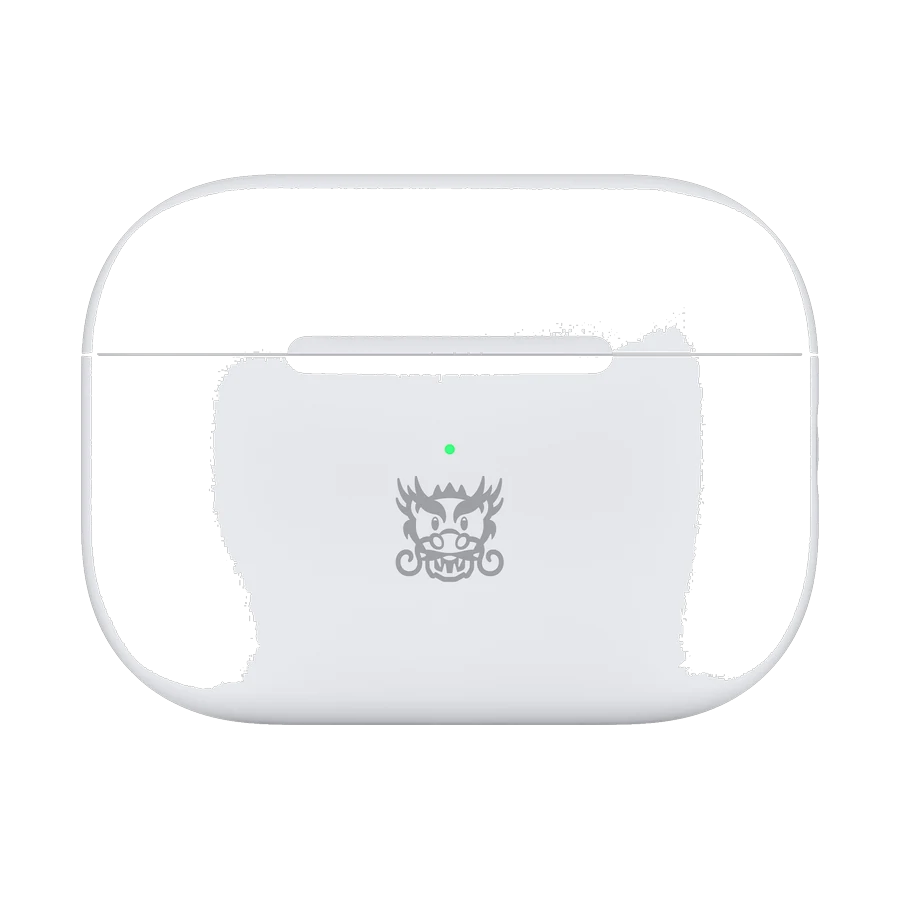
Earbuds travel through pockets, bags, and busy days. A few regular habits can help keep them clean and easier to use. Always start with the care instructions for your exact model, because materials and resistance ratings differ.
Use the case as their home
Put the earbuds back in their case when you finish listening. That keeps the pair together and protects them from loose items in a bag. Store the case somewhere dry, away from excessive heat, and check the manufacturer’s recommended conditions.
Avoid leaving the case open in a crowded bag. Before closing it, check that each earbud is seated correctly and that no debris is caught around the charging contacts. A quick check can prevent discovering an uncharged earbud later.
Clean according to the model’s instructions
Use the cleaning method recommended by the manufacturer. Do not assume a liquid or cleaning product suitable for one device is suitable for another. Be particularly careful around speaker mesh, microphone openings, and charging contacts.
If the earbuds have removable tips, check the instructions for removing and cleaning them. Make sure any parts that have been cleaned are fully dry before reattaching them or returning them to the charging case.
Know what the resistance rating covers
A water or sweat resistance rating does not make every part of a product waterproof. The earbuds and case may have different ratings, and resistance can change with wear. Check the exact conditions stated for the model.
After exercise or exposure to moisture, follow the manufacturer’s drying guidance before charging. Do not place wet earbuds into the case just because the earbuds have a resistance rating.
Check charging before troubleshooting pairing
If one earbud stops working, first check the battery and whether it is seated correctly in the case. Inspect the contacts according to the care instructions. A charging issue can look like a connection problem.
If charging is working, follow the manufacturer’s pairing or reset steps for the specific model. Avoid repeated resets without checking the basics. If the issue continues, keep the purchase details handy and ask the warranty provider for help.